Run a biology lab.Ship your version.
Pull a published growth lab, fork the model into your own lab, then publish to the Hub. About 30 minutes.
$ biosimulant auth login$ LAB_REF="demi/microbiology-hello-world-growth@1.0.0"$ biosimulant labs serve "$LAB_REF"$ biosimulant labs pull "$LAB_REF" --target ./hello-world$ biosimulant labs init ./growth-lab --name "Growth Lab"-> wrote ./growth-lab/lab.yaml$ biosimulant labs add-model ./growth-lab ./hello-world/owned/models/microbial_growth --as microbial_growth$ biosimulant labs validate ./growth-labok lab is valid$ biosimulant labs serve ./growth-lab-> http://127.0.0.1:8765
Three ways to build the same lab
Pick your surface. In the desktop app, your code editor, or the CLI, you fork the same published growth lab and publish your version to the Hub.
Everything in the visual workbench. Browse, fork, run, and publish without touching a terminal.
Open and fork the published lab
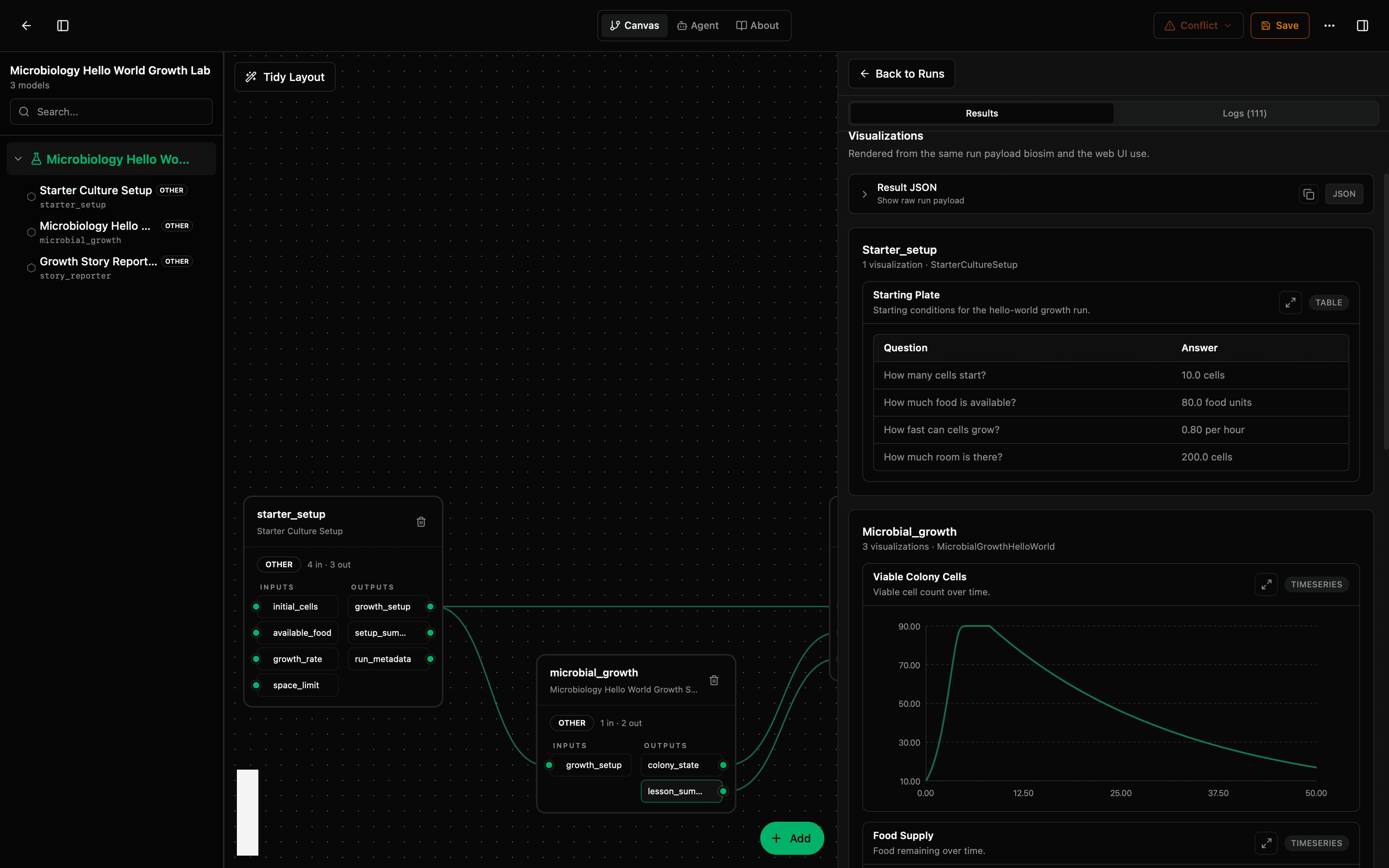
Open Biosimulant Studio, find the published microbiology growth lab in the built-in Hub browser, and fork it onto the canvas as your own editable lab.
- Sign in once, search by name, and pin an exact name@version so you open the same lab everyone else does.
- Forking copies the model into your lab; the original package stays untouched, with wiring, inputs, and outputs visible on the canvas.
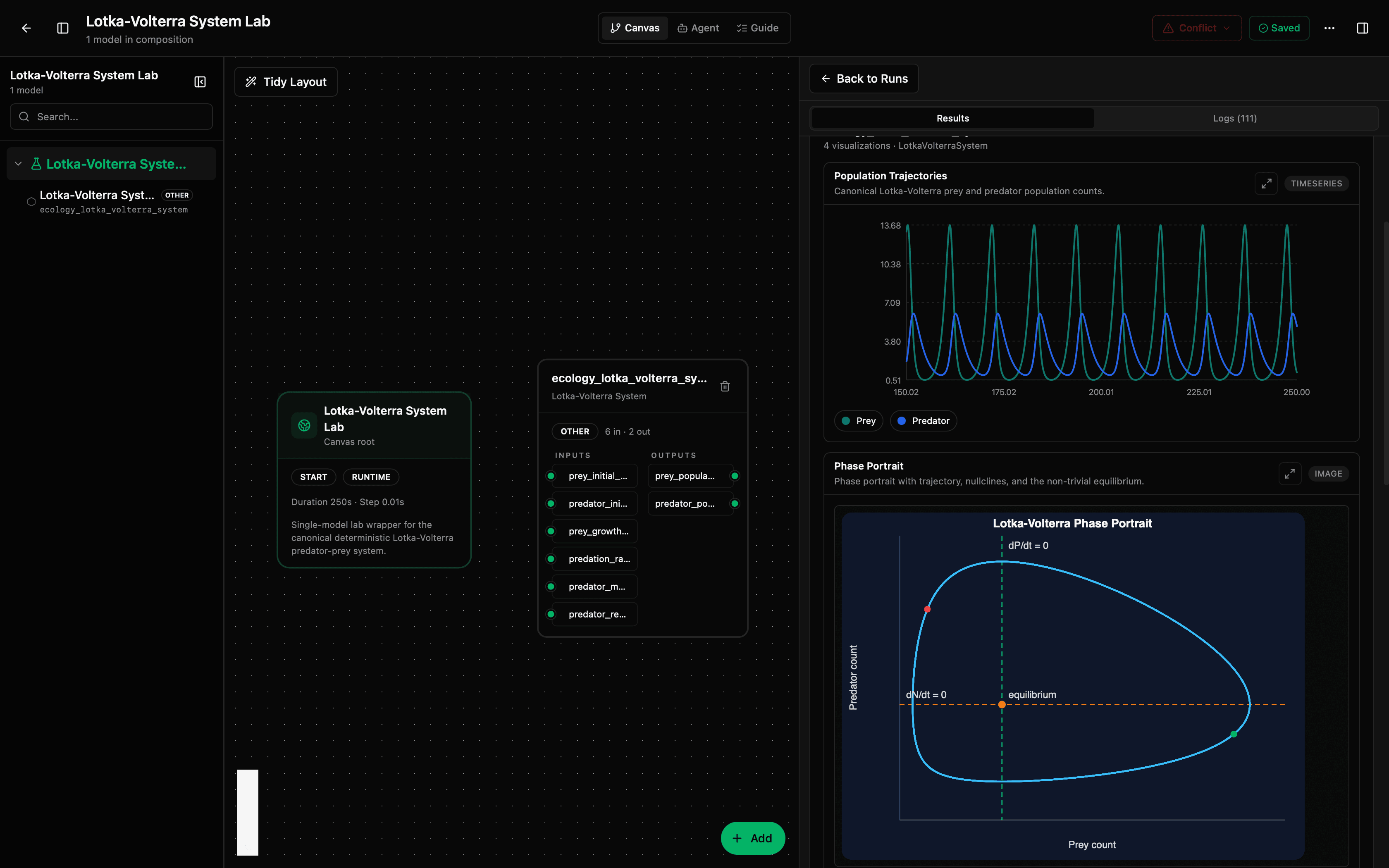
Tune it and run
Edit the copied model and adjust runtime inputs in the workbench, then run and inspect status, logs, results, and visuals in the same place.
- Change parameters like available food or initial cells from the inputs panel; everything you change lives in your fork.
- Compare runs to see how your changes shifted the growth curve, and export a results file or a browser report.
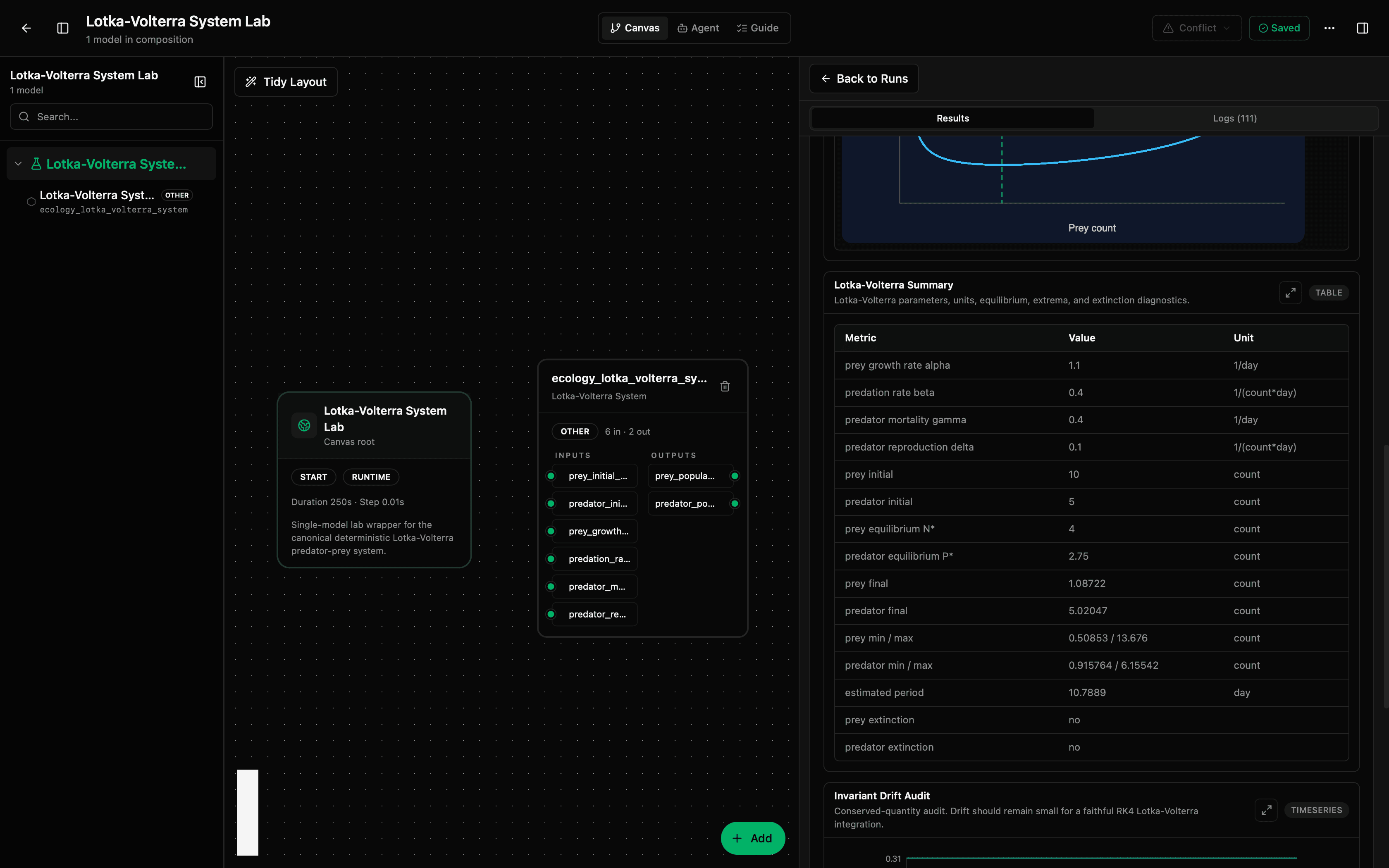
Publish your version to the Hub
Publish your forked lab from the app. Keep it private while you iterate, then flip it public when it's ready to share.
- Your version gets its own name@version, so others can reproduce it exactly.
- Promote a model out of the lab later the same way.
Talk to us about your simulation workflow
Biosimulant Studio is for teams building reusable virtual simulations across research and engineering.
- Research teams building reusable virtual experiments instead of one-off simulations.
- Simulation groups that need inspectable workflows, reproducible runs, and shared review loops.
Contact
Start the conversation
Tell us what you are simulating, how your team works today, and where Biosimulant might fit.
Prefer the standalone page? Use the contact page.